
Why Is My Business Not Showing Up on Google Maps?
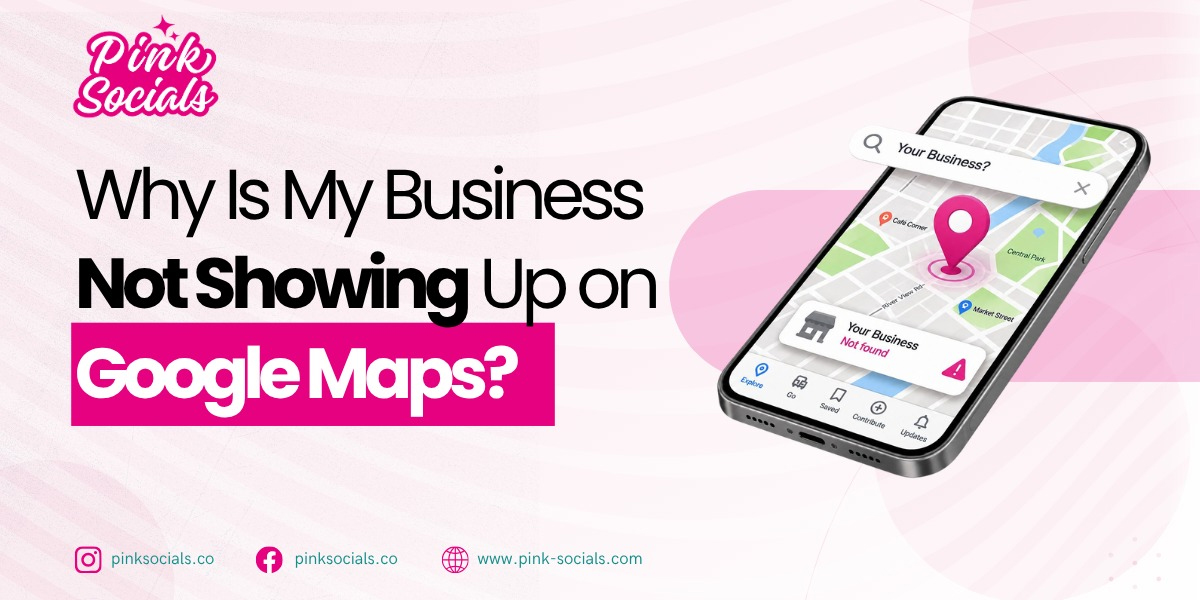
A customer nearby searches for exactly what you sell, yet Google shows three competitors and your business is nowhere on the map. If you are wondering why your business not showing on Google Maps, the problem is usually more specific than “SEO is not working.”
Your profile may not be verified, your business category may be wrong, your information may be incomplete, or Google may consider other businesses more relevant or closer to the searcher.
The opportunity is significant. BrightLocal’s July 2026 research found that 84% of consumers searched online for a local business in the previous three months, while 73% started their latest local-business search on mobile.
This guide explains:
- Why your profile may be invisible
- How verification and categories affect visibility
- Why proximity matters
- How Maps differs from organic Google Search
- What to fix first to improve local visibility
Why is my business not showing up on Google Maps?
Your business is not showing on Google Maps usually because your Google Business Profile is unverified, incomplete, miscategorized, suspended, or poorly matched to the search, although proximity can also limit where it appears. Google confirms that complete and accurate profiles are more likely to appear in relevant local searches.
Is my profile verified and active?
Start with verification. Google says verification confirms that you are authorized to represent the business and makes the profile more likely to appear in Search and Maps.
Check for pending verification, ownership issues, suspension notices, or unexpected edits. Do not create duplicate profiles to solve a visibility problem. Fix the existing listing first.
Google also pulls information from websites, users, third parties, and other sources, so your profile is not operating in isolation.
Is my information complete?
Check your primary category, business hours, phone number, address or service area, website, services, and photos. Your category should describe what the business actually is, not every service you offer.
A useful practitioner discussion on Reddit (SEO practitioner discussion on Google Maps visibility) recommends checking verification, primary category, hours, service area, reviews, photos, and whether the website supports the services listed on the profile before chasing advanced tactics.
If your profile is verified but still invisible, it is worth checking why your business is not showing on Google to determine whether the problem extends beyond Maps.
| Cause | How to check | Fix |
|---|---|---|
| Unverified profile | Check Business Profile status | Complete verification |
| Wrong category | Review primary category | Choose the most accurate category |
| Missing information | Check profile fields | Complete relevant details |
| Suspension | Look for warnings | Resolve the stated issue |
| Weak relevance | Compare competing profiles | Improve categories and services |
| Distance | Test searches from different areas | Build stronger relevance and prominence |
Want your local visibility checked by an SEO team? Get in touch for a free, no-obligation consultation.
How much does distance affect showing on the map?
Proximity strongly affects local visibility, so you may appear for searchers near your address but disappear farther away; Google says local results are primarily based on relevance, distance, and prominence.
Why do I show only near my address?
Google calculates the distance between the searcher and potential businesses, so two people searching the same phrase can see different map results depending on where they are searching from. Google’s own local-search guidance explains that relevance, distance, and prominence influence which businesses appear in local results.
You cannot optimize your way out of physical geography completely. Instead, focus on the signals you can control, including accurate categories, complete information, genuine reviews, relevant website content, and consistent business details. These are common local SEO problems, and fixing the signals you control is usually more effective than trying to manipulate your service area. Also, this is where optimizing your Google Business Profile can help strengthen the information Google and potential customers see about your business.
The practical takeaway is simple: proximity affects where you can appear, while relevance and prominence can influence how competitive your profile is within the areas you can realistically reach.
Can I rank outside my immediate area?
Sometimes, but do not expect one profile to dominate an entire city simply because you added multiple service areas. Proximity remains a major local-search factor, while relevance and prominence can help you appear farther from your address.
The wider search journey also matters. Yext’s 2026 Consumer Search Behaviors Report found that 62% of U.S. consumers immediately search Google for more information after receiving an AI recommendation, showing why businesses need visibility beyond a single discovery point.
For a deeper breakdown of the signals that influence visibility, see how to rank higher on Google Maps before expanding your targeting.
| Factor | Impact | What you control |
|---|---|---|
| Relevance | High | Category, services, profile information |
| Proximity | High | Accurate location and legitimate service area |
| Prominence | High | Reviews, links, mentions, reputation |
| Profile completeness | Supporting | Accurate, useful information |
| Website relevance | Supporting | Local service content |
Local visibility also takes time to build, particularly when competitors already have established reviews, links, and local authority. Learn how long SEO takes before expecting profile changes to produce immediate ranking gains.
Is this a Google Maps problem or a Google search problem?
If you appear in Google’s organic links but not Maps, the issue is more likely related to your Business Profile and local signals; if you are missing from both, you may have a broader organic visibility problem.
How do I tell them apart?
Search your main service with your city, then test the same query from different locations. Note whether competitors appear in the map pack, organic results, or both.
If your website ranks but your profile does not, investigate your local profile setup. Your Google Maps ranking can therefore lag behind your organic position even when the website itself performs well. If neither appears, review your site’s indexation, content, authority, and overall SEO.
For businesses facing broader visibility issues, it is useful to understand why you are missing from Google search too rather than assuming every problem originates in Maps.
Do they help each other?
Yes, but they are not identical ranking systems. Your website can reinforce your local relevance, while your Business Profile provides location, contact, hours, photos, services, and review information.
But visibility is only useful if visitors take action. Reviewing what makes a website convert can help you identify what happens after a customer reaches your site.
Google states that local listings can use information from your website and other public sources alongside information supplied by the business and users.
| Symptom | Channel | First fix |
|---|---|---|
| Profile missing | Maps | Check verification and eligibility |
| Profile appears but ranks poorly | Maps | Review relevance, proximity, prominence |
| Website ranks but profile does not | Both | Improve local profile signals |
| Neither appears | Search + Maps | Audit broader SEO and profile setup |

How do I get my business to show up on Google Maps?
Get on the map by verifying your profile, completing relevant information, selecting the most accurate categories, keeping business details consistent, and earning genuine reviews while maintaining an accurate and useful profile.
What is the fastest first step?
Verify the profile and resolve any warnings first. Then check the primary category, business details, hours, services, photos, website, and service-area settings.
If the profile is complete but local visibility remains weak, you can explore SEO support for your business to address the wider signals supporting your local presence.
Do not buy reviews or create fake locations. Google explicitly states that businesses cannot pay for better local ranking.
What keeps you on the map?
Consistency and genuine reputation matter over time. Keep your Google Business Profile accurate, respond to customer feedback, add useful visual content, and make sure your website supports the services represented in your profile.
Reviews deserve particular attention because they influence whether customers trust a business enough to take the next step. PowerReviews’ 2023 survey of 8,153 U.S. consumers found that 93% of shoppers said ratings and reviews impact whether they purchase a product, making review quality an important part of consumer trust.
That makes reviews more than a reputation checkbox. Encourage genuine feedback, respond professionally, and keep your business information consistent across relevant citations. A complete profile and credible review history can strengthen trust while supporting your wider local ranking efforts.
| Step | Action | Why it matters |
|---|---|---|
| 1 | Verify profile | Establishes ownership |
| 2 | Check eligibility | Prevents invalid listings |
| 3 | Select accurate category | Improves relevance |
| 4 | Complete information | Gives Google clearer business data |
| 5 | Build genuine reviews | Supports prominence and trust |
| 6 | Keep details consistent | Reduces conflicting information |
| 7 | Support profile with website | Reinforces local relevance |
A strong local presence can also support customer acquisition beyond rankings. If your goal is turning local searches into enquiries, the best way to generate leads depends on what happens after someone finds your profile, including your website, offer, contact options, and follow-up process.
Conclusion
When a business is missing from Google Maps, start with the basics. Check verification, eligibility, categories, profile completeness, proximity, and genuine reviews before chasing complicated ranking tactics.
Google’s own guidance makes the core model clear: local visibility depends primarily on relevance, distance, and prominence.
For businesses that want those signals reviewed and improved systematically, Pink Socials can help.
Leave a Reply